Quick setup brings the main settings for your own supported feed onto one page. Simple CSV reads the feed you provide. We do not supply feeds, catalogs or prices.
Open Quick setup
Open Simple CSV from Shopify Admin, choose Import new products and paste your feed URL. After validation, Quick setup opens if the feed uses a supported format.
Quick setup is available for selected feed formats, not every CSV or XML file. Uploaded files and Update existing products use the normal step-by-step flow. If Quick setup does not appear, continue with field mapping. You can also choose Set it up myself to use those steps.
Free supports a one-off import within its 100-row file limit. Scheduled imports and updates require Pro or Scale and follow the plan’s automation limits.
Choose product and feed settings
- Product language. Choose from the title and description languages present in your feed. The default is your store’s primary language if available, otherwise English. The normal import wizard also offers this language choice for supported feeds. This selects existing feed text. Use AI Rewrite separately if you need another language or tone.
- New-product status. Quick setup starts with Draft so you can review products before publishing them. The choice affects new products only.
- Inventory location. If your store has several locations, choose the one this import updates. Location selection is available on every plan.
- Pricing. Set a markup, rounding and price ending.
- Stock buffer. Choose a stock cutoff for updates, for example setting quantities below 5 to 0.
Pricing and inventory rules follow your plan’s access. Quick setup does not add paid features to Free.
Keep imports and updates separate
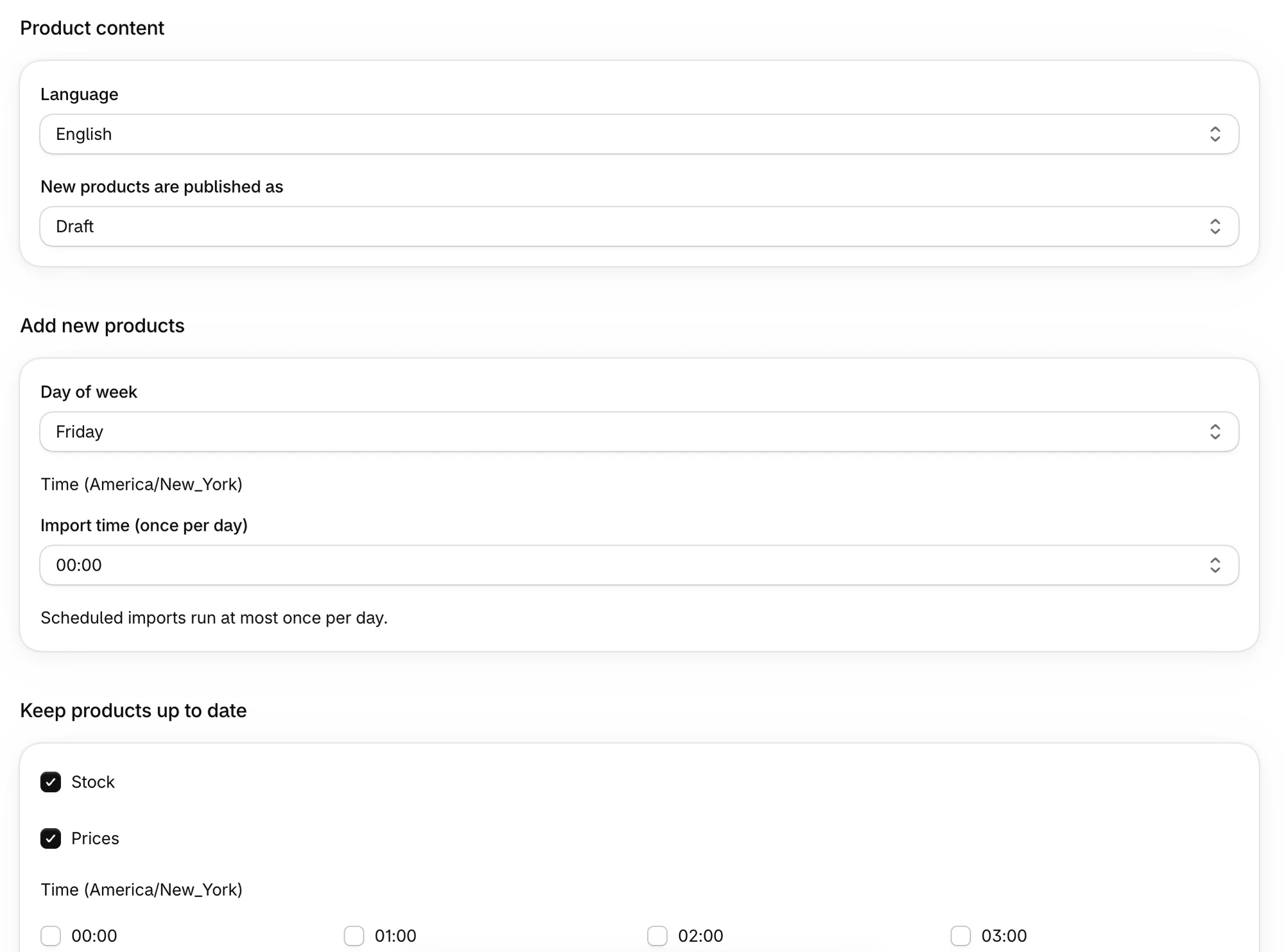
For new products, choose Only now, every day or one weekday. On Pro and Scale, a scheduled new-product import runs at most once per day, including on Scale. Choose one import time. Existing import schedules with several times now use only the earliest time.
Choose whether to update stock, prices or both. On Pro and Scale, updates default to daily. You can add update times within your plan’s limits. Pro includes 3 automations and allows updates every 6 hours. Scale includes 7 automations and allows hourly updates.
Simple CSV proposes import and update times. Times use your store’s timezone.
Review before saving
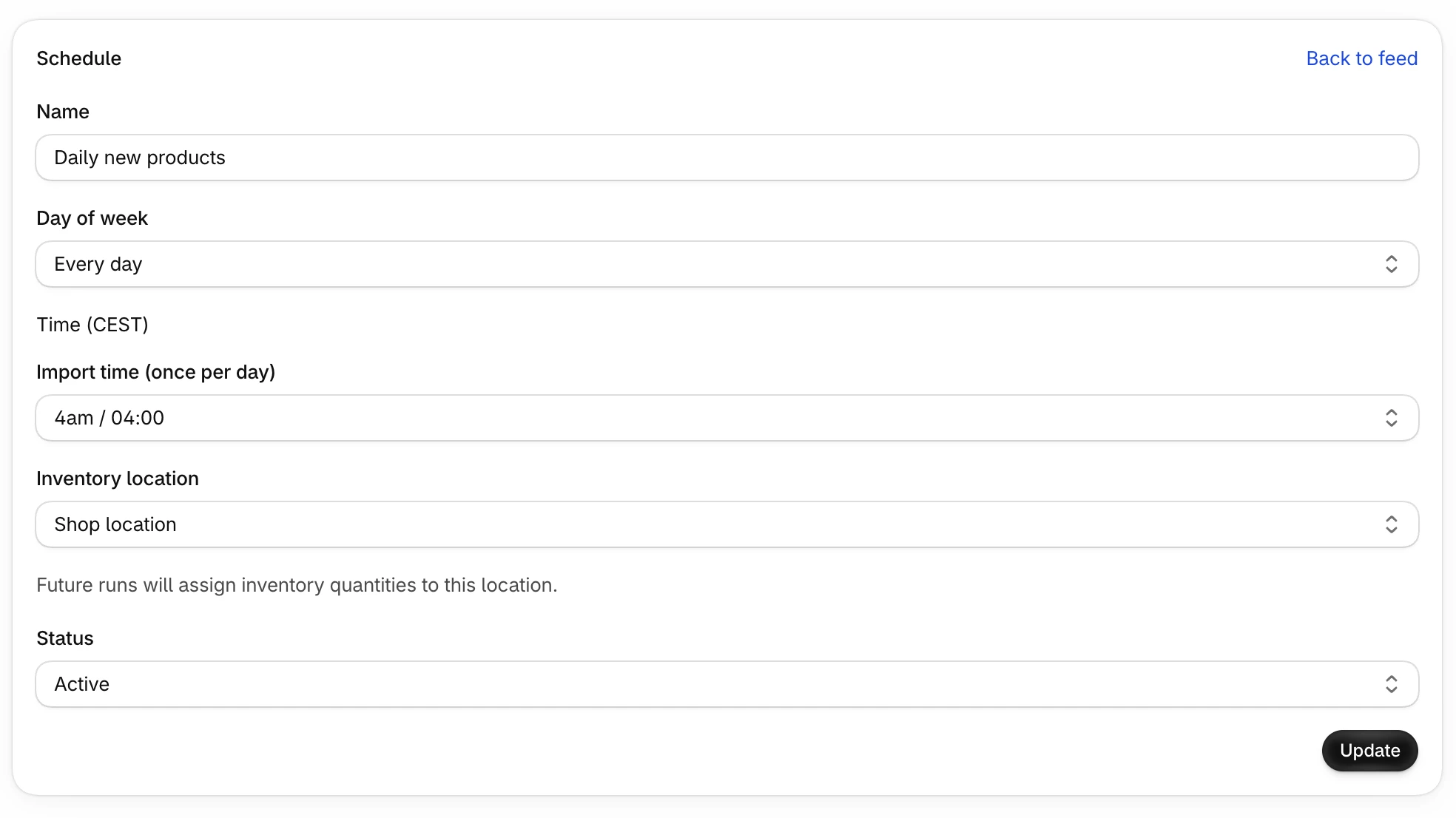
The review page shows your choices and a price example calculated from your own feed.
- Save setup and start import saves the setup and starts the first import immediately.
- Save without importing now saves the setup without starting that first import immediately.
The result is a regular feed with regular import and update actions. You can edit them afterward on the feed page. Scheduling is available on Pro and Scale only.
Change an existing setup
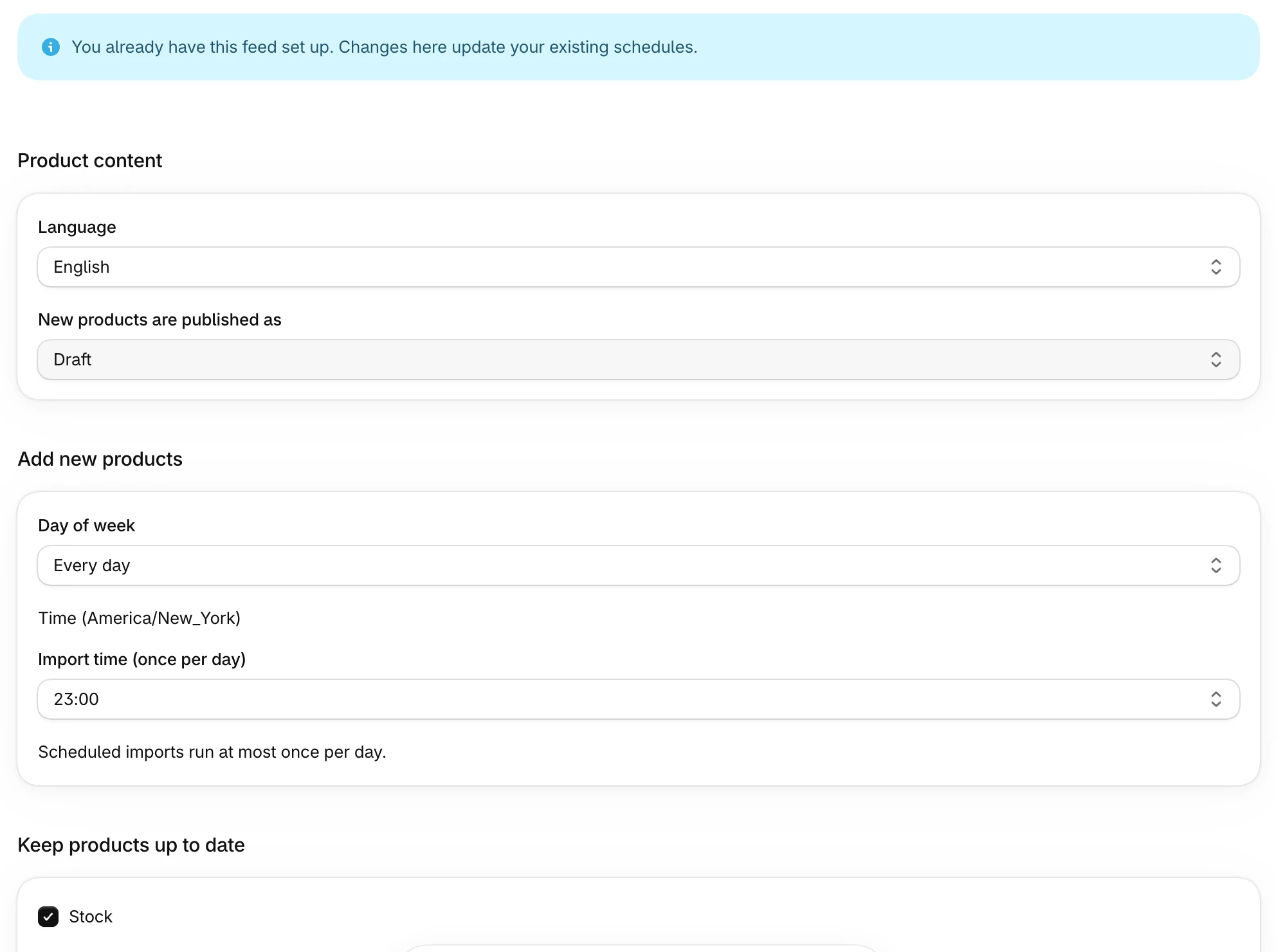
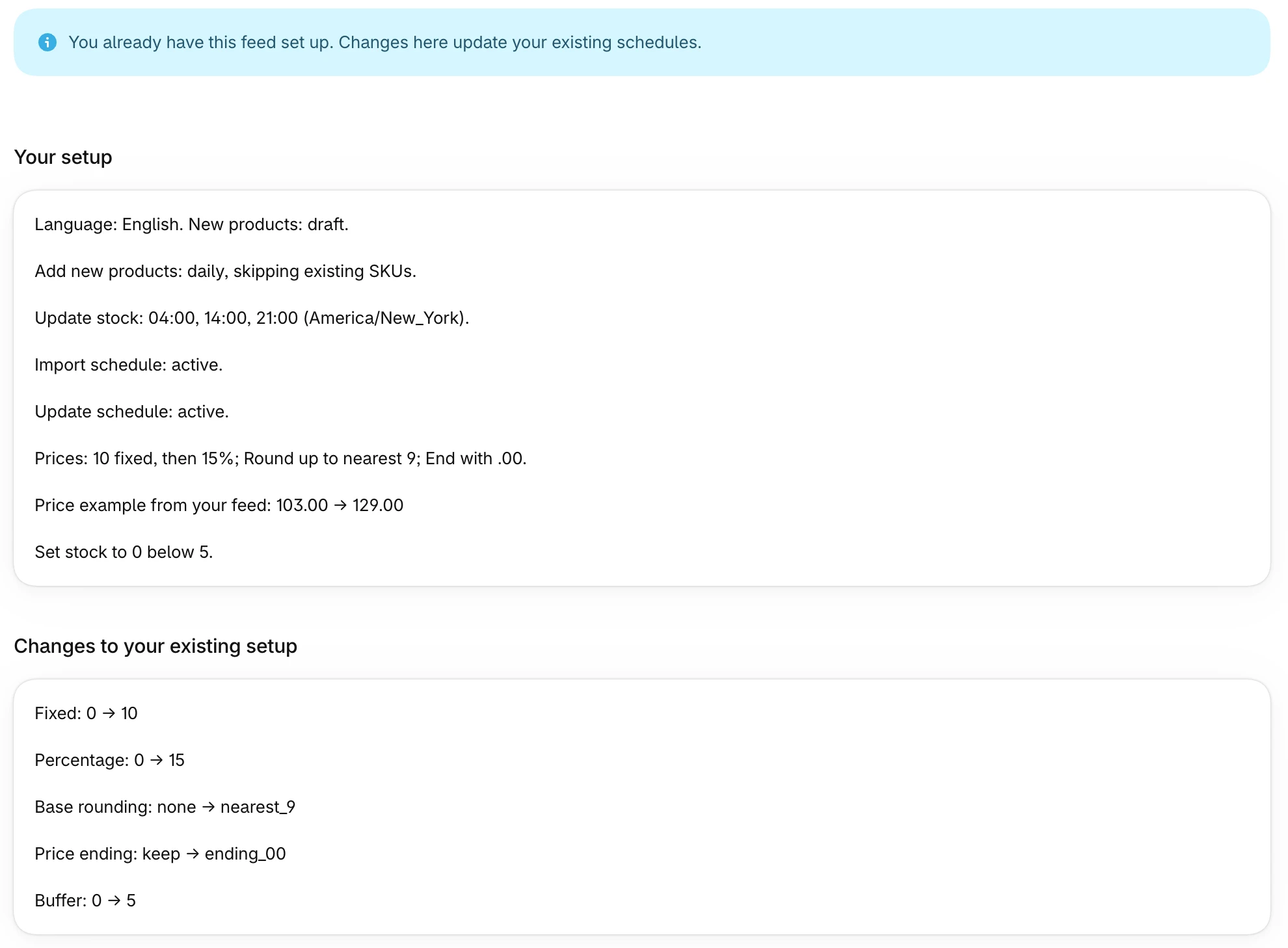
Paste the same URL again to start with the existing settings already filled in. Saving updates those schedules instead of creating duplicates. Price ranges you set elsewhere are kept.
When a scheduled file has not changed
On Pro and Scale, a scheduled run skips the file if the file and settings match that automation’s last fully successful run. Shopify is not changed. This does not restore stock changed by sales or other edits in Shopify.
Use Run now to process the file again. If the action is held for mapping review, fix and save the mapping first. See how to release a mapping hold.